
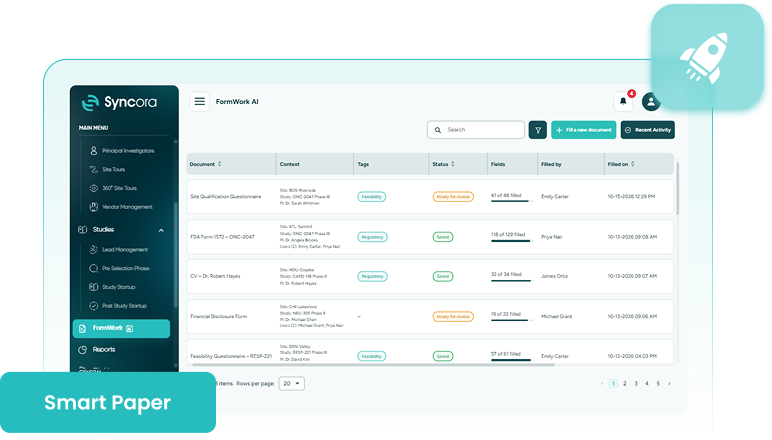
Smart Paperwork Assistant is a clinical trial document filing feature that fills feasibility questionnaires and regulatory forms using what’s already on file in Syncora, so your team reviews and approves instead of retyping.







Turn existing records into finished paperwork.
Smart Paperwork Assistant turns what’s already stored in Syncora into completed feasibility responses and regulatory filings, with every value traceable to its source. If a value isn’t stored yet and you type it in, it remembers and proposes it when a similar field appears again.

Speed

Accuracy

Traceability

Consistency
Book A Consultation
Still Typing the Same Answers?
Feasibility questionnaires and regulatory forms keep asking for information your team already entered somewhere else, whether that’s site details, investigator credentials, or study records. Without clinical trial form automation, that same information gets retyped form after form, study after study.
Syncora’s Smart Paperwork Assistant pulls it from where it already lives, no retyping, no rewriting, just a quick check before it’s done.
Explore Syncora
Inside Smart Paperwork Assistant
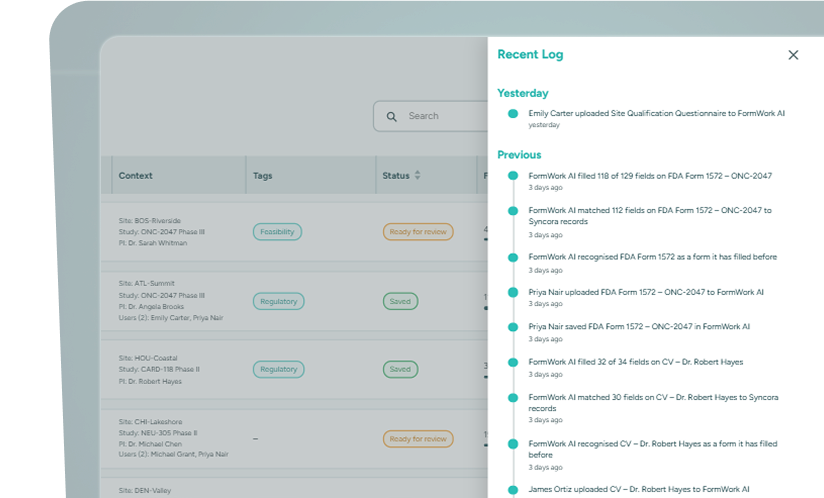
FormWork AI
Regulatory document preparation made automatic: fills recurring forms like FDA 1572s, financial disclosures, and delegation logs from the study, site, and investigator records they belong to, showing exactly where each value came from.
- Trace every value to its source.
- Approve, file, and send for signature.
- Stop rebuilding the same filing from scratch
Book a Demo
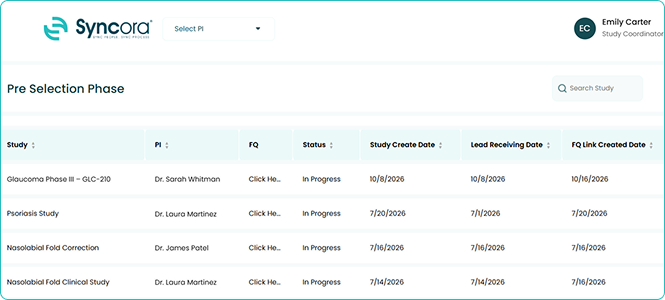
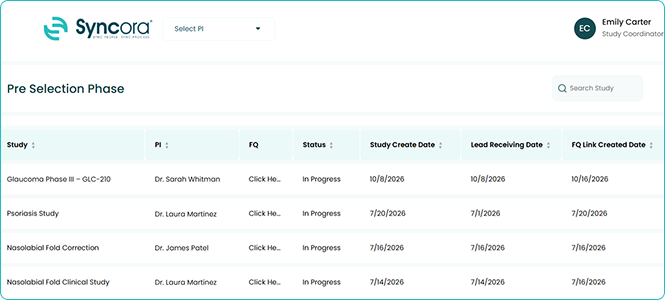
FQ Assistant
Feasibility questionnaire software built as a Chrome extension, filling sponsor and CRO feasibility forms directly in the browser using your site, investigator, and study data.
- Skip the copy-paste between screens.
- Keep answers consistent across every portal.
- Review the draft before you submit.
Book a Demo
How it works
This is easier than it looks; just follow these simple steps.
-
1Select a regulatory form
-
2Review every auto-filled value
-
3Correct and approve entries
-
4Save the finished document
Choose the regulatory form you need to complete right now.
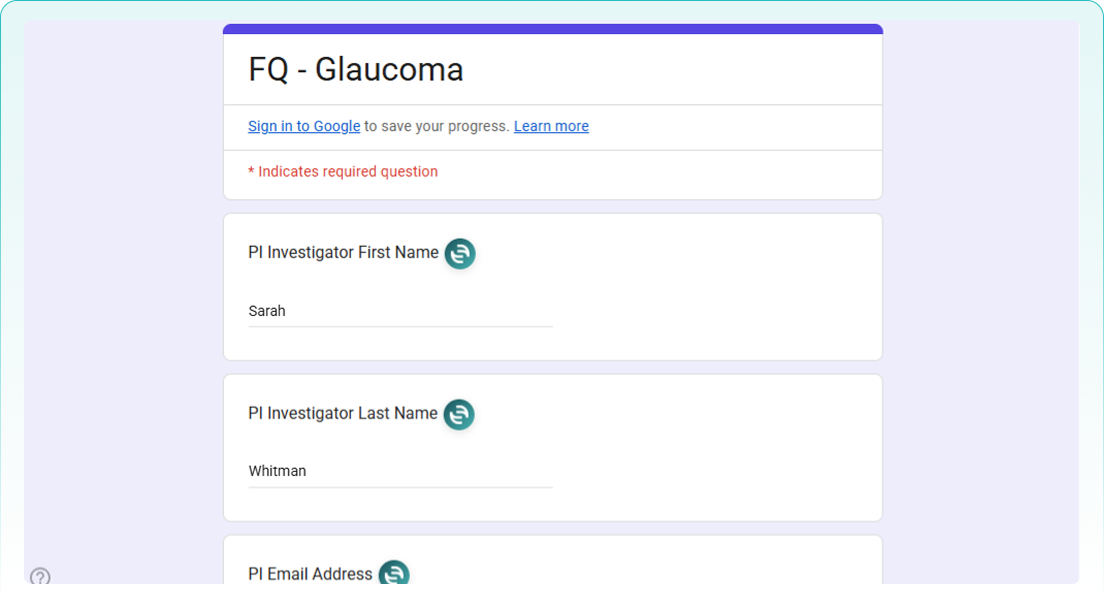
Check where every auto-filled value actually originated from in the record.
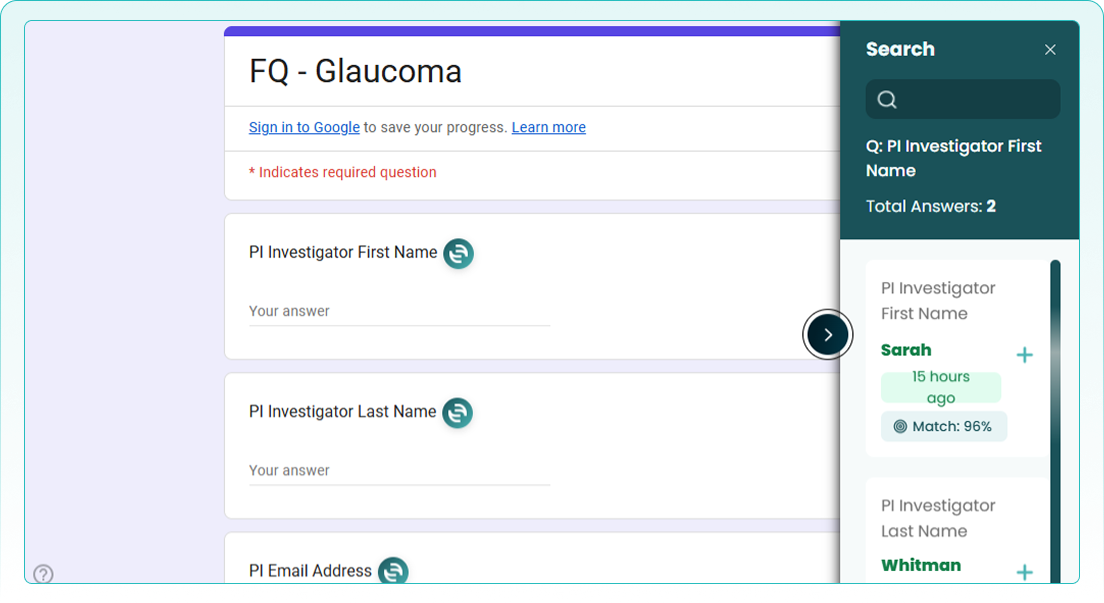
Fix anything that’s wrong, then approve the fully completed document.
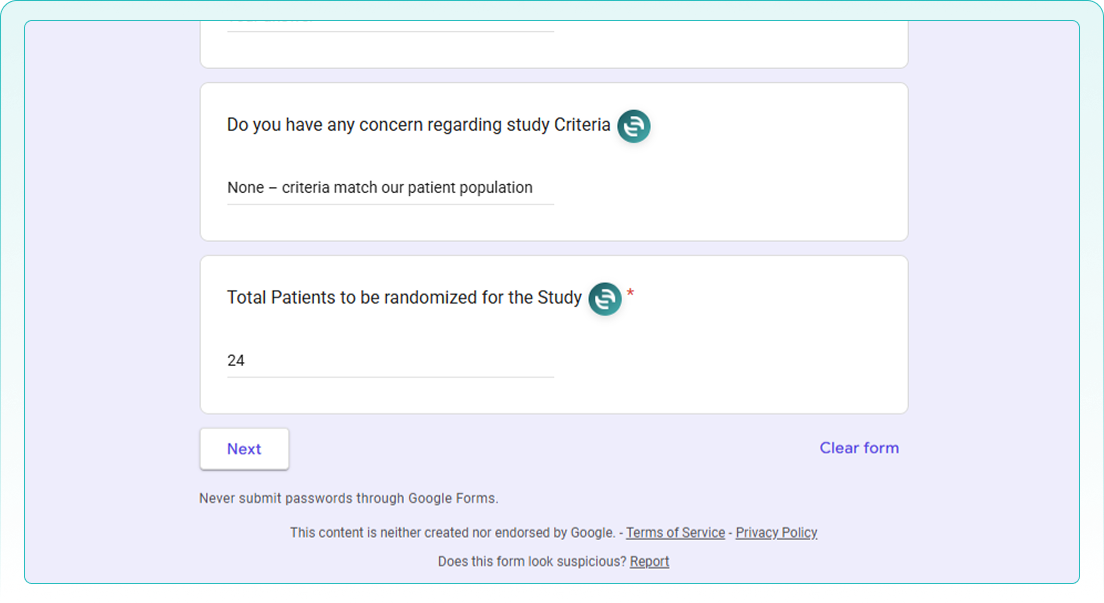
Save it in the system or a study’s File Manager.
Book a Demo
Built for your team

Regulatory Affairs
Handles regulatory submission preparation from existing records, so every filing stays accurate and fully traceable.

Site Coordinator
Handles feasibility response management faster, without re-entering the same site details across every sponsor or CRO form.

Quality and Compliance
Reviews every auto-filled value against its source record before anything gets approved or filed.
The information exists. The paperwork doesn't have to.
Every feasibility questionnaire and regulatory form your team fills out starts with information you’ve already recorded in Syncora. Talk to us about turning that information into completed, reviewed, ready-to-file paperwork.
Talk To Our Team
What happens to the time you save?

You get that time back. Instead of typing out questionnaires and regulatory forms by hand, you can spend those hours reviewing what Smart Paperwork Assistant already filled out, checking what matters, and getting back to patients, sites, and studies sooner.
✔ Reclaim lost hours
Spend less time on paperwork and more time on real work.
✔ Verify with confidence
Check each answer against the record it was pulled from.
✔ Approve and move on
Nothing gets filed until you’ve seen and signed off on it.
30
% ↓
Faster questionnaire turnaround
25
% ↑
Fewer form errors
40
% ↑
Less time on paperwork
Frequently Asked Questions
What is Smart Paperwork Assistant?
Smart Paperwork Assistant fills feasibility questionnaires and regulatory forms using records already stored in Syncora, so your team reviews and approves instead of typing from scratch.
What's the difference between FQ Assistant and FormWork AI?
FQ Assistant is a browser extension that fills out online forms, including feasibility questionnaires. FormWork AI works with document files and PDFs, filling recurring regulatory forms like FDA 1572s from existing study, site, and investigator records.
How do I know an auto-filled answer is correct?
Every value stays traceable to the exact record it came from, so you can check the source before approving anything.
Can I edit an answer before submitting it?
Yes. You review and correct every filled document; nothing is submitted or filed without your approval first.
Can I sign or save a completed document?
With FormWork AI, yes. Once a document is approved, you can save it in the system or under any study’s File Manager, or send it for signature in the same flow. FQ Assistant fills online forms in your browser, so signing isn’t part of that flow at the moment.


