
Syncora’s Advanced Control gives you command over data, notifications, and access, so every team follows your processes, stays informed without the noise, and works securely.







Run every study exactly your way.
As part of the platform, Advanced Control adds the flexibility clinical trial data management software needs. Administrators shape data values, users tailor notifications, and permissions apply consistently across sites, delivering standardized records, relevant alerts, secure access, and confident study teams.

Precision

Focus

Security

Accountability
Book A Consultation
Does your platform actually follow your process?
Mismatched labels, overloaded inboxes, and loosely managed access slow busy teams down, hide what matters, and invite avoidable compliance gaps.
Every manual fix wastes valuable time, critical tasks quietly get missed, and nobody can clearly explain who changed what or why. Advanced Control standardizes values, focuses alerts, and scopes access, so teams keep moving confidently.
Explore Syncora
Inside Advanced Control
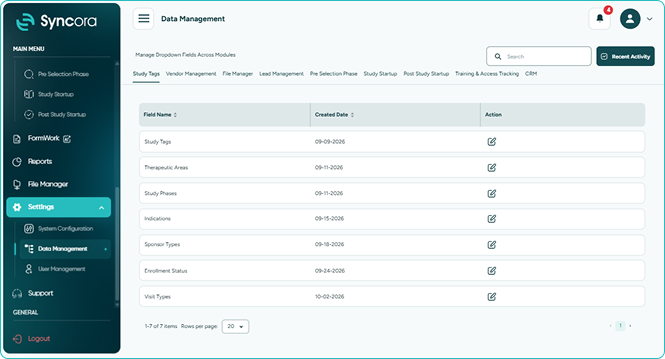
Data Management
Data Management lets administrators centrally set lead statuses, contact statuses, vendor types, service names, and timers, so Syncora speaks your language while filters, dropdowns, and reports stay consistent.
- One shared vocabulary for every team.
- Switch off unused values without disruption.
- Dashboards and reports always stay dependable.
Book a Demo
Notification Control
Notification management lets every user pick departments, events, and studies they follow, plus in-app, email, or both, so alerts remain relevant, and each email explains itself.
- Get fewer alerts that matter more.
- Always see tasks and signature requests.
- Know exactly why each email arrived.
Book a Demo
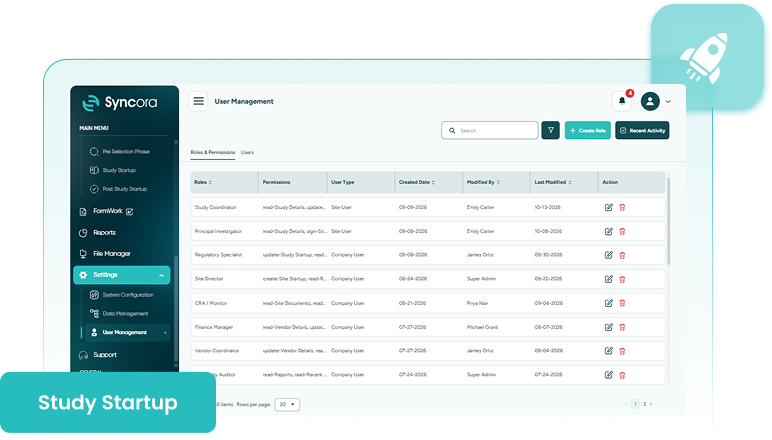
User Management
Clinical trial user management sits in one area, where administrators invite users, assign roles, and enforce the role-based access clinical trials require across modules, departments, and sites.
- Onboard users and assign roles fast.
- Keep site users within their sites.
- Every access change stays on record.
Book a Demo
How it works
Easily manage users, alerts, and data.
-
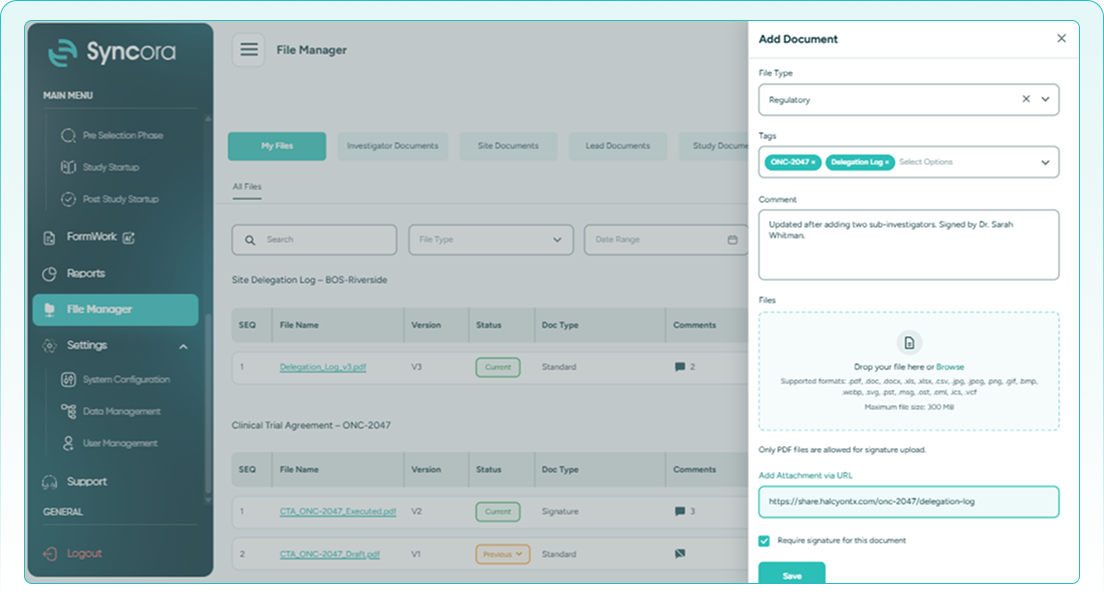
1Access settings system configuration
-
2Customize profiles and alert rules
-
3Customize module data in management
-
4Administer roles via User Management
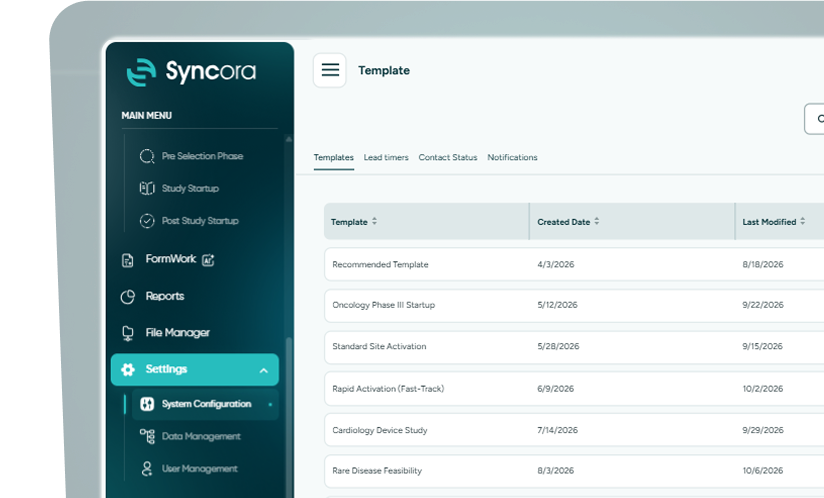
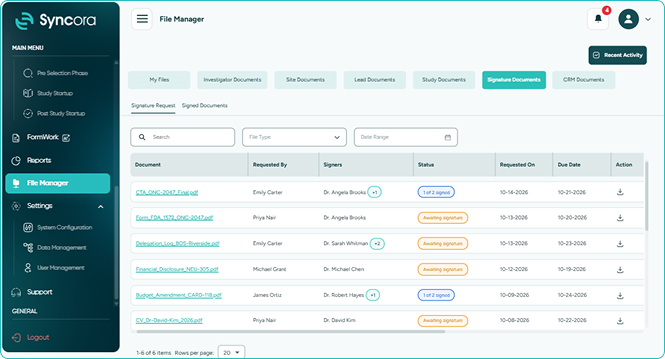
Navigate to settings to manage central platform configurations.
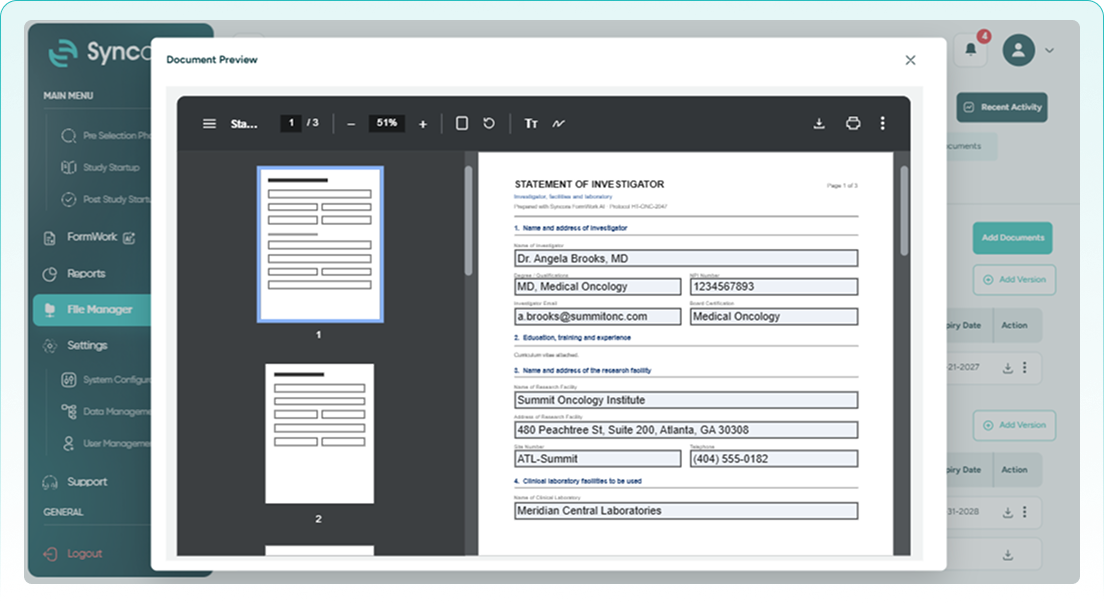
Set up notification profiles, branding, and reminder intervals.
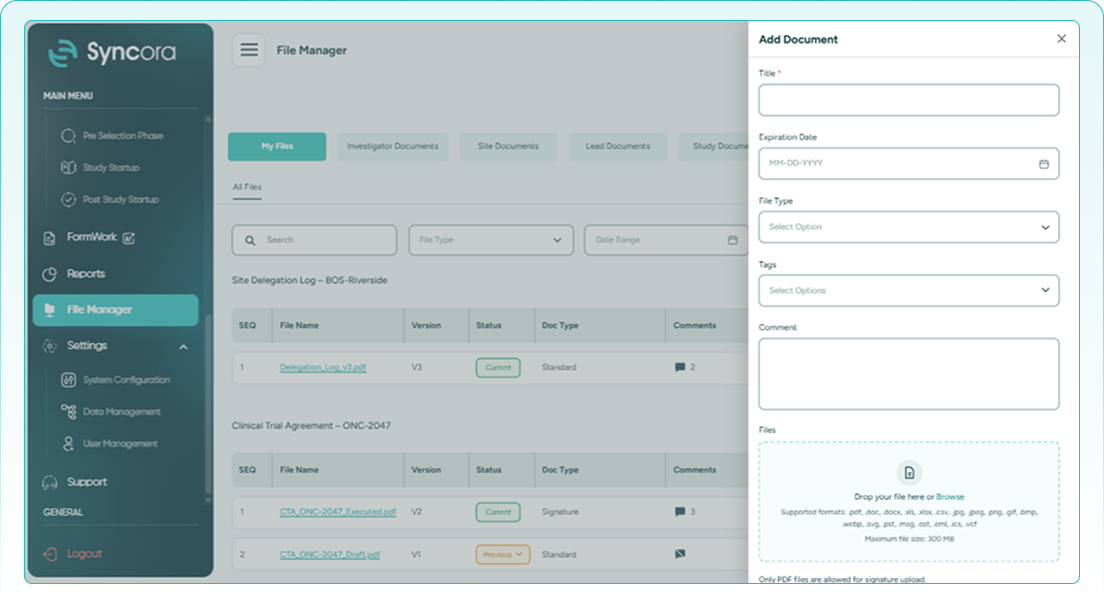
Set up operational criteria for every stage of your trial.
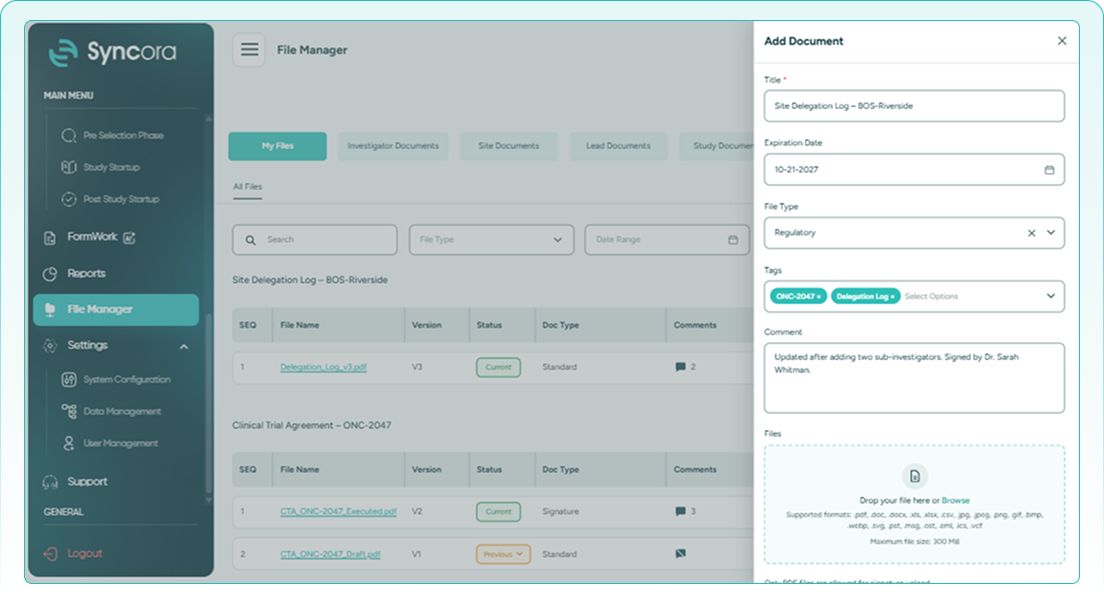
Assign permissions, manage user access, and oversee activity.
Book a Demo
Built for your team

Clinical Operations
Run studies with terminology and alerts that mirror how your teams really work.

Administration and IT
Control users, roles, and permissions from a single, central area.

Quality and Compliance
Verify access history and keep operational records organized and dependable.
Take command of every study.
Discover how Advanced Control brings configurable data, focused alerts, and dependable user permissions that clinical software teams can enforce to every study, site, and department. See it shaped around your real daily operations.
Talk To Our Team
Why settle for uncontrolled workflows?

Teams using rigid clinical trial data management software keep battling inconsistent labels, cluttered alerts, and unclear access. Syncora removes that friction, keeping data orderly, updates relevant, and permissions precise, while preserving the audit trail clinical trials require for truly confident, compliant daily operations.
✔ Consistent data everywhere
Standardize terminology once and keep every dashboard and report accurate.
✔ Notifications that matter
Reduce alert clutter and focus on the work that matters.
✔ Control access precisely
Grant precise access and keep every permission change fully traceable.
30
% ↓
Fewer irrelevant alerts received
25
% ↑
Consistent values across reports
40
% ↑
Faster user access setup
Frequently Asked Questions
What is Advanced Control?
Advanced Control lets administrators manage data values, notification preferences, and user access, so the platform reflects your processes and terminology.
What can administrators configure in Data Management?
Administrators configure lead statuses, contact statuses, vendor types, service names, and timers, keeping values consistent across dropdowns, filters, and reports.
What happens when a value is no longer needed?
Unneeded values can be switched off without disturbing existing records that already use them, keeping operational data organized and reliable.
How does Notification Control reduce alert overload?
Users choose which departments, events, and studies to follow, plus in-app or email delivery, so updates stay relevant to them.
How does User Management control access?
Administrators invite users, assign roles, and refine permissions, such as limiting site users to their sites, with access changes recorded.


